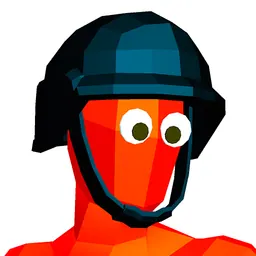
About Armed Forces.io
Play Armed Forces.io, a high-intensity 3D multiplayer FPS where you join elite forces and battle in realistic environments. Choose from various game modes like Team Deathmatch or Free for All, and use powerful weapons to dominate opponents. With smooth controls, tactical combat, and detailed maps, it’s perfect for competitive shooter fans. No downloads or accounts required. Want more action games? Visit Classroom 6x and play for free online.
How to Play Armed Forces.io
- Use W, A, S, D to move.
- Use the Mouse to aim and Left Click to shoot.
- Press Spacebar to jump and Shift to sprint.
- Press R to reload and C to crouch.
- Select game modes and weapons before entering battle.
- No sign-up needed, jump into fast-paced combat right in your browser.
Armed Forces.io controls
The game's instructions mention these controls: W A S D Space Mouse Click Shift.
Click inside the game once after it loads so it receives your keyboard and mouse input.
Device compatibility
| Runs in | A web browser tab, with no download or install |
|---|---|
| Tested on | Loaded and responded to input in our automated test in Google Chrome on a desktop computer (October 25, 2026). |
| Chromebook | Uses the same Chrome browser we test with; not tested on Chromebook hardware |
| Phones and tablets | Touch controls were not tested |
| Price | Free |
How to start playing Armed Forces.io
- Press Play now in the player above.
- Wait for the game to load.
- Click inside the game once so it receives your input, then use W A S D Space Mouse.
- Use Fullscreen for a bigger view, or Reload to restart.
Games like Armed Forces.io
Armed Forces.io is listed under shooting games on Classroom 6X. Other games in the same categories include Agent Walker vs Skibidi Toilets, Hills Of Steel, Horde Killer: You vs 100.